Create Giant Animal Videos With AI – Step-by-Step Guide to Go Viral!🔥
Introduction
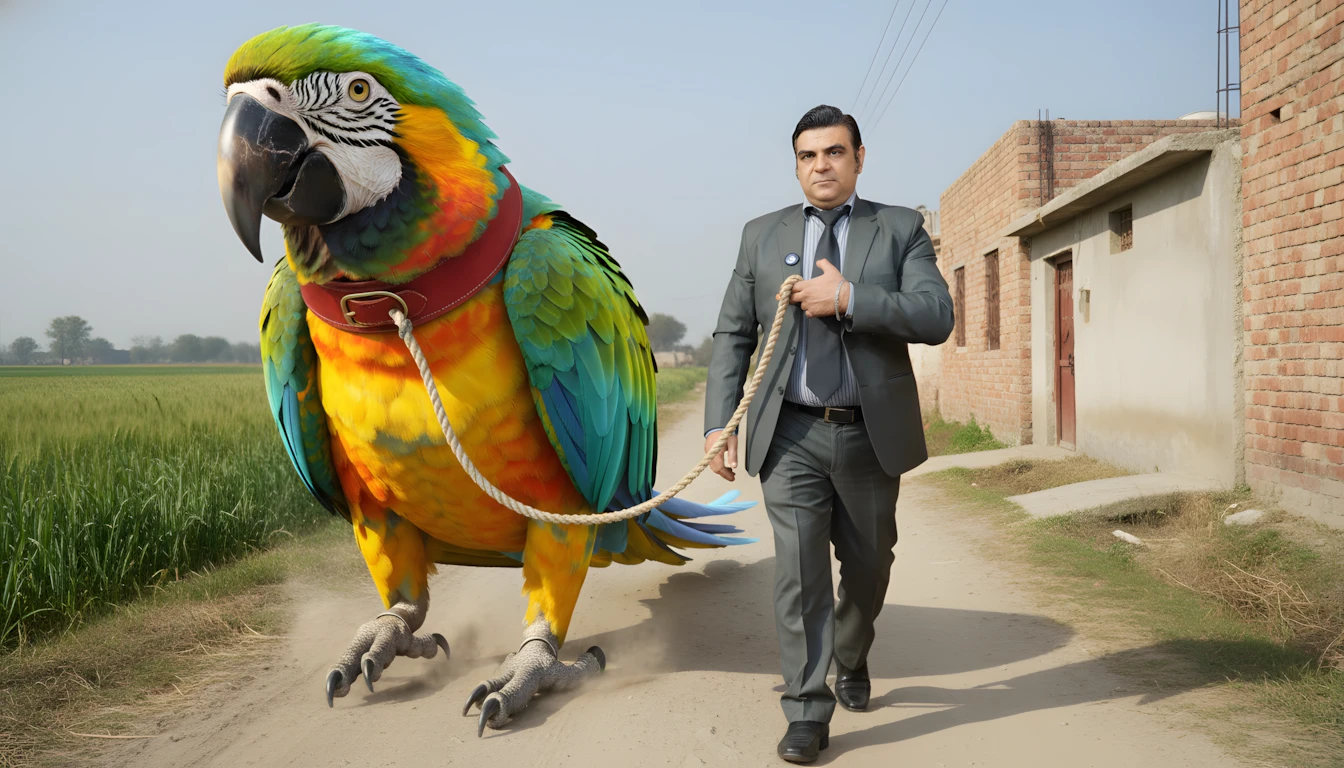
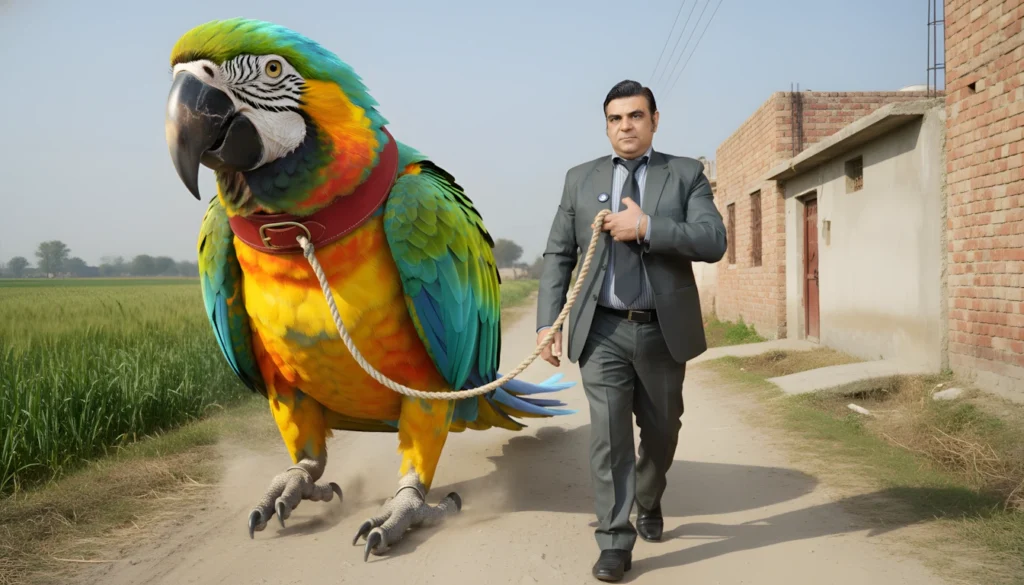
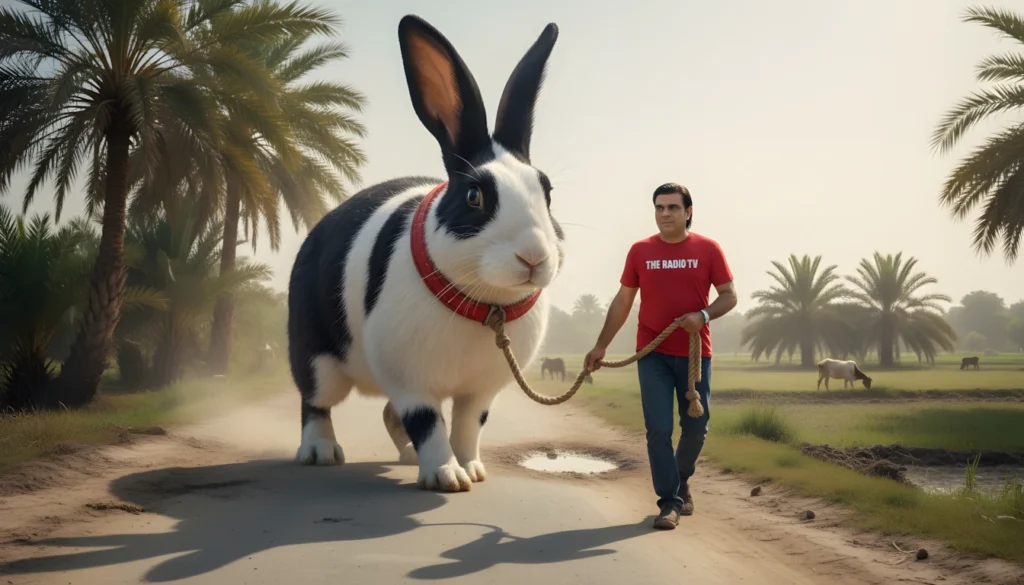
AI image-to-video tools have opened up completely new ways of creating viral short-form content. One of the most engaging formats right now is ultra-realistic “giant pet animal” videos — where a massive animal (three times the size of a human) appears to be calmly walking alongside a person in a real Pakistani street or village setting.
In this tutorial, you will learn a complete, repeatable workflow to create these videos using AI — from generating structured prompts to turning them into seamless video clips.
Instead of random experimentation, this method follows a clear system:
- You choose an animal
- AI suggests realistic Pakistani locations
- AI generates highly detailed image and motion prompts
- You turn those prompts into visuals and videos
- You assemble everything into a polished viral clip
This approach keeps your content consistent, believable, and visually compelling.
Why This Method Works?
Most AI videos fail because they look fake, inconsistent, or overly cinematic. This system is designed to avoid that by:
- Locking the Pakistani environment across all scenes
- Using handheld cellphone style visuals (more realistic)
- Keeping the same human character in every shot
- Maintaining identical lighting, streets, and background
- Only changing camera angle and subject movement
This makes the final video feel like genuine street footage rather than staged animation.
Tools You Will Need
You can complete this entire process using free tools:
- ChatGPT or Grok AI – For prompt generation
- ImageFX / Viggle / Similar AI image tools – To create the base image
- Grok Image-to-Video (or similar tool) – To animate scenes
- CapCut (or any free editor) – To assemble clips
- Your own photo (or a friend’s) – As human reference
No professional camera, lighting, or studio required.
STEP-BY-STEP TUTORIAL
Step 1: Copy and Paste the Master Prompt
Start by copying the full master prompt below and pasting it into ChatGPT or Grok. This prompt is already structured to:
- Ask for an animal
- Suggest Pakistani locations
- Generate ultra-realistic image and motion prompts
- Keep visual consistency across all scenes
📌 MASTER PROMPT
You are a professional AI Prompt Engineer specializing in ultra-realistic, viral cellphone-style content based in Pakistan.

Your task is to follow a strict two-step interactive workflow and generate prompts only according to the rules below.

🔹 STEP 1 — ANIMAL INPUT

Ask the user only one question:

“Which animal do you want to use?”

Rules:

Ask only this single question

Wait for the user to provide the animal name

Keep the animal in mind for all subsequent steps

Do NOT suggest animals or locations at this stage

🔹 STEP 2 — LOCATION IDEAS

Once the user provides an animal name:

Generate exactly 10 Pakistani location ideas suitable for a viral real-life video (village, town, city, streets, surroundings)

Each location should be short, descriptive, and distinct

Output only the list numbered 1–10, no explanations

Wait for the user to select one location from this list.

🔹 STEP 3 — PROMPT GENERATION (AFTER LOCATION SELECTION)

Once the user selects a location:

Generate ultra-realistic prompts where:

Animal is at least 3× larger than an adult human

Animal wears a beautiful red neck belt (patta)

A rope is attached to the belt, held firmly by a human’s hand

Interaction looks exactly like a pet being walked, calm and obedient

Uploaded human image is referenced as the human character’s exact clothing and appearance

Environment matches the user-selected Pakistani location (streets, houses, surroundings, people)

🎯 OBJECTIVE

Create a shocking yet believable viral cellphone-style scene of a giant pet animal (3× human size) interacting with a human in the selected Pakistani location.

🌍 PAKISTANI ENVIRONMENT RULES

Streets, houses, and surroundings must match the selected location

Characters, clothing, and behavior must look authentically Pakistani

Daylight lighting typical of Pakistan

Include realistic dust, wheat fields, village/city streets depending on location

🎥 VISUAL & AUDIO STYLE

Ultra-realistic handheld cellphone footage

Slight natural shake, imperfect framing

Not cinematic, not staged, not polished

No text, no subtitles, no logos, no watermarks, no music

Audio:

Footsteps on ground, rope movement

Light wind, distant birds, village/city ambience

Faint distant Pakistani voices (Urdu/Punjabi), amazed or surprised

Voices must feel accidental and off-camera, never narrated

🐘 GIANT ANIMAL REALISM RULES

Animal 3× human size

Correct proportions, weight, balance, realistic shadows

Feet pressing into ground, light dust rising

Red belt snug around neck, rope visible

Behavior calm, pet-like

Prompt must explicitly instruct AI to use uploaded human image as reference for the human character’s exact clothing and appearance

🔒 WORLD LOCK (SCENES 1–3)

Location, lighting, weather, time, colors, background objects, streets, and surroundings must remain identical across all scenes

Only camera angle, distance, and subject movement may change naturally

📦 REQUIRED OUTPUT (FOUR BLOCKS)

Generate exactly four long text blocks in this exact order:

IMAGE PROMPT (KEYFRAME) — must include a line:

“Use the uploaded human image as reference for the human character’s exact clothing and appearance.”

IMAGE PROMPT TO VIDEO (SCENE 1)

SCENE BUILDER (SCENE 2)

SCENE BUILDER (SCENE 3)

No extra text before or after these blocks.

📷 CAMERA CONDITIONS

Scene 1: Side-tracking handheld shot, 8–10 seconds, following human + giant animal

Scene 2: Close-up of animal’s head and red belt

Scene 3: Camera pulls back/reverses to reveal full massive body

Aspect Ratio: 9:16
Time: Bright daylight (default)

🚫 STRICT RULES

Prompts must be long paragraphs only

No bullet points inside prompts

No explanations outside required blocks

Workflow must be followed exactly
Important note:
This prompt instructs the AI to reference your uploaded human image for clothing and appearance, so your final visuals look consistent.
Step 2: Choose Your Animal
After pasting the master prompt, ChatGPT will ask:
“Which animal do you want to use?”
Type any animal, for example:
- Crow
- Rooster
- Rabbit
- Parrot
- Cow
- Goat
The AI will remember this animal for all further steps.
Step 3: Select a Pakistani Location
Once you enter the animal name, the AI will generate 10 Pakistani location ideas, such as:
- Rural Punjab village street
- Narrow lanes of old Lahore
- Sindh farmland pathway
- Karachi suburban neighborhood
- Dusty village road near wheat fields
Pick your favorite by typing its number (for example: “4”).
This location will now be locked for all three scenes — same lighting, same street, same houses, same background.
Step 4: Generate the Four Required Prompts
After selecting a location, the AI will generate exactly four long text blocks in this order:
- IMAGE PROMPT (KEYFRAME) – For your main still image
- IMAGE PROMPT TO VIDEO (SCENE 1) – Side-tracking shot
- SCENE BUILDER (SCENE 2) – Close-up of animal’s head and red belt
- SCENE BUILDER (SCENE 3) – Camera pulls back to reveal full body
These prompts will include:
- Giant animal (3× human size)
- Red neck belt with rope
- Human holding the rope
- Real Pakistani street details
- Handheld cellphone feel
- Natural dust, wind, and background sounds
Step 5: Create the Base Image
Take the IMAGE PROMPT (KEYFRAME) and use:
- ImageFX
- Viggle AI
- Or any similar AI image generator
Upload your own photo as a reference so the AI matches your clothing and appearance.
If the first result is not perfect, simply regenerate until you get a realistic scene.
Once satisfied, download the image and upscale it using a free tool like Upscale.media for better quality.
Step 6: Animate Scene 1
Open Grok’s Image-to-Video tool (or similar).
- Upload your upscaled base image
- Paste SCENE 1 motion prompt
- Generate a 5–8 second clip
You should see:
- Dust rising from the animal’s feet
- Rope moving naturally
- Light wind and background village sounds
At the end of the clip, pause and save the last frame as a new image.
Step 7: Animate Scene 2
Upload the last frame from Scene 1 as your new starting image.
Paste SCENE 2 motion prompt and generate the next clip.
This scene will:
- Focus closely on the animal’s head
- Show the red belt clearly
- Make the animal feel massive and powerful
Again, save the last frame at the end.
Step 8: Animate Scene 3
Upload the last frame from Scene 2.
Paste SCENE 3 motion prompt and generate the final clip.
This scene will:
- Pull the camera back
- Reveal the animal’s full gigantic body
- Include faint, amazed Urdu/Punjabi voices in the background
Now you have three perfectly connected video clips.
Step 9: Edit and Assemble Your Video
Open CapCut (or any editor) and:
- Import all three clips in order
- Trim any awkward moments
- Add smooth transitions if needed
- Export in 9:16 (vertical) format
Your final video should look like one continuous handheld recording.
How to Scale This Idea?
You can repeat this process unlimited times by changing:
- Animal (crow, rabbit, parrot, goat, horse, etc.)
- Location (Punjab, Sindh, Karachi, Lahore, village roads, fields)
- Human reference photo
- Time of day (morning, afternoon, golden hour)
This gives you endless content ideas without extra effort.
Common Mistakes to Avoid
- Changing locations between scenes
- Using cinematic camera movement
- Adding music or on-screen text
- Mixing different human reference photos
- Ignoring dust, lighting, or shadows
Stick to the prompt rules and your videos will look far more realistic.
Video Reference
If you prefer watching this process instead of reading, the full video tutorial is available below.
Conclusion
With this structured AI workflow, you can create ultra-realistic, viral giant animal videos that feel natural, believable, and engaging. Focus on consistency, realism, and storytelling — and your results will improve with every upload.

السلام علیکم ورحمۃ اللہ وبرکاتہ پیارے بھائی کیا حال ہے ٹھیک ٹھاک ہو طبیعت کیسی ہے ٹھیک ہے اللہ اپ کو خوش رکھے اپ کی ویڈیو بہت پسند اتی ہے اپ ہماری مدد کرتے ہیں اس میں کچھ کمی ہوتی ہیں میں نے اپ کو کمنٹس بھی کیا ہے فیس بک کے اوپر میری ائی ڈی کا نام تھا محمد ہارون نیازی جس طرح وہ ویڈیو بنا رہا ہے اس طرح اپ نے ہمیں نہیں سمجھایا۔
السلام علیکم ورحمۃ اللہ وبرکاتہ پیارے بھائی کیا حال ہے ٹھیک ٹھاک ہو طبیعت کیسی ہے ٹھیک ہے اللہ اپ کو خوش رکھے اپ کی ویڈیو بہت پسند اتی ہے اپ ہماری مدد کرتے ہیں اس میں کچھ کمی ہوتی ہیں میں نے اپ کو کمنٹس بھی کیا ہے فیس بک کے اوپر میری ائی ڈی کا نام تھا محمد ہارون نیازی جس طرح وہ ویڈیو بنا رہا ہے اس طرح اپ نے ہمیں نہیں سمجھایا۔
اپ اپنا واٹس ایپ پر رابطہ کر سکتے ہیں میرے ساتھ میں اپ کو نمبر بھیج رہا ہوں
WhatsApp on 03483422369
Assalamualaikum
Sir iska prompt copy nahi ho Raha kindly ap prompt send kr dy gy plz
ok me is ko theek kar dun ga
Ye Wala prompt pr chat gpt b Kam nahi kr Raha kindly help kr dy
Sar maine aapko ek message kiya hai messenger per aur ek Instagram per vah check kar lo FIR